
Flip Image
Mirror an image left to right, turn it upside down, or combine both flips. Compare the result before downloading.
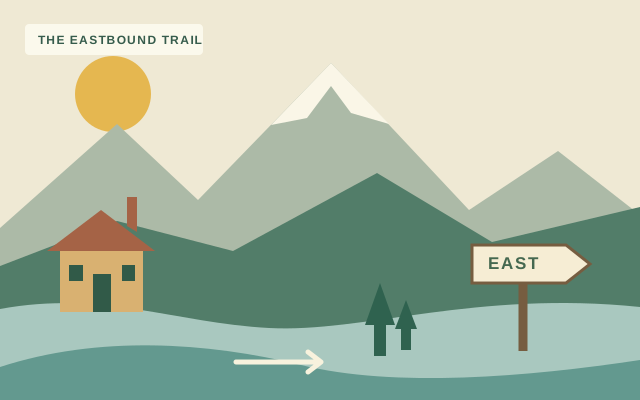
See the other side.
Drop an image here, or choose a file above.
Original sample artwork · ready to tryFlip & export
PNG and WebP keep transparency.
One image file. Processed on this device.
Your image stays on this device. Try the sample to explore the tool.
How to flip an image
- Choose an imageOpen a PNG, JPG or WebP file, or try the original landscape sample.
- Pick the directionHorizontal swaps left and right. Vertical swaps top and bottom. Use both together if needed.
- Compare & downloadCheck the original and flipped previews, choose an output format, and save your image.
Two directions, same dimensions
A horizontal flip mirrors the image from left to right. A vertical flip turns it upside down. Each button is a toggle, so you can combine both directions or use Reset flips to return to the original orientation.
Flipping rearranges the source pixels without resizing or cropping. Text within an image flips too. Use PNG for a lossless export, or adjust JPG and WebP quality. PNG and WebP preserve transparency; JPG uses your chosen background color.
Flip Image FAQ
How do I mirror an image?
Choose your image, then select Horizontal. The left side moves to the right and the right side moves to the left. Check the before-and-after preview, then download.
How do I flip an image upside down?
Select Vertical to swap the top and bottom. You can turn Horizontal on at the same time to apply both flips.
Will the image size or quality change?
Flipping keeps the same pixel dimensions and does not resample the image. PNG export is lossless. JPG and WebP use the selected compression quality, so their encoded output can differ from the source.
Can I rotate an image by 90 degrees here?
This tool provides horizontal and vertical flips. It does not offer a 90-degree rotation control.
What formats and sizes can I use?
Open PNG, JPG or WebP up to 25 MB and 16,000 px per side. Output is limited to 32 megapixels and 16,000 px on its longest side. An image above an output limit shows an error instead of being silently resized. Animated image export is not supported.
Are my images uploaded?
No. The original, flipped preview and exported file are processed locally in your browser. No account is required.