Choose the Finished Image
Drop, paste, or select a JPG, PNG, WebP, GIF, AVIF, or another browser-supported image.

Preview one image across three TikTok profile tiles, then download files numbered in posting order.
3 profile tiles · 3:4 · Banner: 3240 × 1440 px · Each: 1080 × 1440 px
Use Fill frame to drag and zoom. Keep faces, logos, and essential text away from both seams.
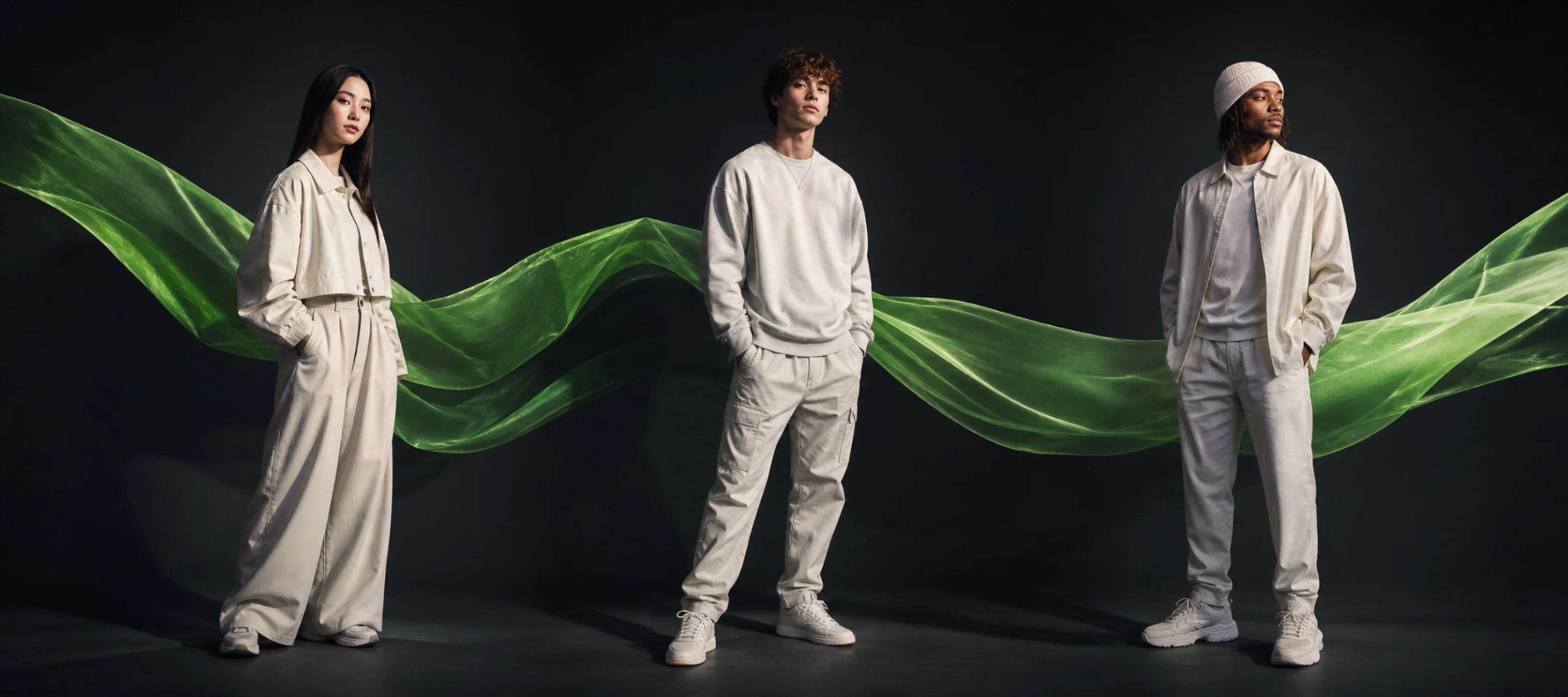
A TikTok Banner Splitter turns one image into three connected profile tiles. This page previews the finished top row, exports 1080-pixel-wide tiles by default, and names the files for right-to-left publishing. Your source image stays in the browser.
Three 3:4 profile tiles form one connected top-row banner.
Publish right first, center second, and left last. File names repeat that order.
Download PNG, JPG, or WebP tiles, plus a ZIP with posting-guide.txt.
The image is processed locally and is not uploaded to an image-splitting server.
A TikTok Banner Splitter prepares one connected composition for the top row of a creator profile. It is not a video splitter, TikTok LIVE cover maker, scheduler, or publishing integration.
The tool creates one three-tile canvas and shows the tiles together before export. Use Keep whole image when nothing may be cropped. Use Fill frame when the banner must cover all three tiles edge to edge, then drag or zoom the source to protect important content.
The profile view is a simulation, not a TikTok guarantee. Thumbnail crops, pinned posts, and profile ordering can change. Check all three drafts on the target account before publishing a live campaign.
Choose the banner image, check it in the profile preview, adjust the framing, and export the posting-order package on this page.
Drop, paste, or select a JPG, PNG, WebP, GIF, AVIF, or another browser-supported image.
Start with 3:4. Keep the whole image with background space, or fill the frame with an adjustable crop.
Switch between Source and Crop and TikTok Profile Preview. Keep essential content away from both seams.
Download the ZIP and follow post-01-first-right, post-02-next-center, and post-03-last-left without another file-renaming step.
Complete the background, typography, logo placement, and image treatment before splitting. Designing the three tiles separately makes it harder to align shapes and text across the boundaries.
A face, logo, or call to action can become difficult to read when a cut passes through it. Place essential content inside the left, center, or right section and use connected background elements across the cuts.
Each output tile receives roughly one third of the source width. Start with an image large enough for all three pieces to remain clear after TikTok applies its own upload processing and profile crop.
The built-in profile preview shows the intended top row and upload sequence. Confirm the current crop, pin controls, and post placement on the target TikTok account before publishing.
Choose this page when one image should become exactly three side-by-side pieces. The 1x3 default is designed for the search intent behind TikTok banner splitter in 3, image divider for TikTok, and photo splitter for TikTok.
A TikTok grid maker can describe a larger profile plan, a collage, or a mockup with six or nine posts. Those workflows need a different default layout and may require profile preview controls. Use the general tool when you only need equal 2x3 or 3x3 source tiles.
A TikTok video splitter cuts a video into clips by duration. This page only processes still images, so it does not trim video, add audio, or export MP4 files.
post-01-first-right is published first, post-02-next-center second, and post-03-last-left last. Alphabetical sorting therefore matches the intended upload sequence.
The ZIP preserves all three pieces from the same split. Keep it with the source image so you can identify the complete set and recreate the banner if the source design changes.
The package uses the common newest-first profile behavior, which requires right, center, then left. TikTok can change ordering or pinned-post behavior, so verify three drafts on the target profile before making the sequence public.
PNG is lossless and works well when the TikTok banner contains sharp text, logos, interface captures, or flat-color illustrations.
JPG and WebP can produce smaller files for photographic banners. Use the quality control to balance file size against visible compression before downloading the tiles.
The browser decodes, previews, and splits the image with Canvas. The image contents, exported pieces, and original file name are not sent to an image-processing backend.
The three generated files do not receive an Image Splitter logo, frame, or watermark. The tool also does not require an account for the core split.
Upload one image, choose the tile shape, preview the complete profile row, and create three files. Download the ZIP, then publish right, center, and left.
Yes. The tool creates three equal profile-shaped tiles. Keep whole image preserves the source with background space, while Fill frame creates an edge-to-edge adjustable crop.
For the 3:4 preset, a 3240 x 1440 working image produces three 1080 x 1440 files. Treat this as a practical preset and check the current TikTok profile crop before publishing.
Publish the right tile first, the center tile second, and the left tile last. The file names and posting guide repeat this sequence.
No. The image is decoded, previewed, and split locally in your browser. The source image, exported tiles, and original file name are not sent to an image-processing server.
No. A TikTok banner splitter divides one still image into separate image tiles. A TikTok video splitter cuts a video by time or duration, which is a different task and is not handled by this page.